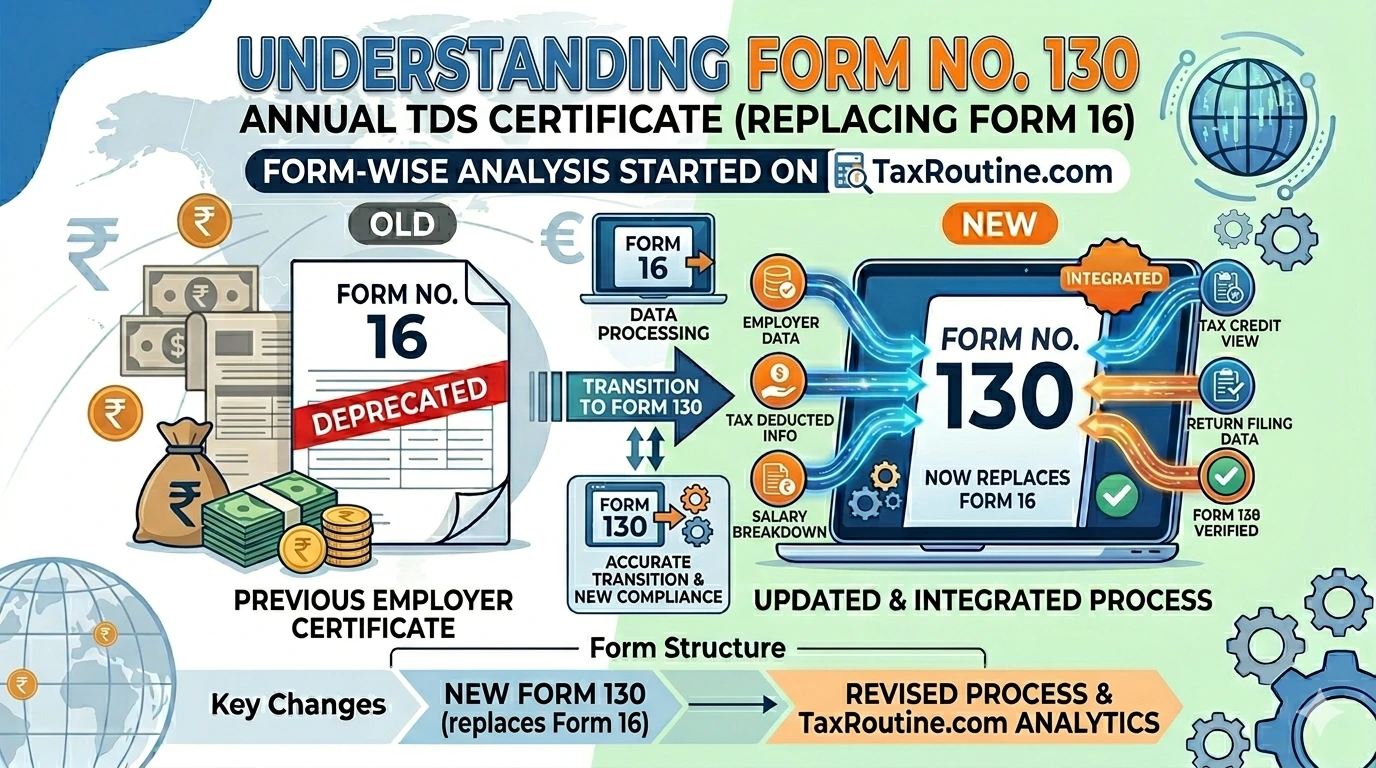
Quick summary: Form 16 — the annual TDS certificate issued by employers to salaried employees — is now Form No. 130 under the Income-tax Act, 2025 and I.T. Rules, 2026. It is generated by TRACES from the employer’s Form No. 138 (erstwhile Form 24Q) filings and must be issued to employees by 15th June of the following Financial Year. The certificate is the primary document salaried employees use to file their ITR.
📋 Quick Reference
Old Form NameForm 16
New Form NameForm No. 130
Old RuleRule 31, I.T. Rules 1962
New RuleRule 215(1) [Table: Sl. No. 1], I.T. Rules 2026
Old Act SectionSection 203, I.T. Act 1961
New Act SectionSection 395(4)(b), I.T. Act 2025
Issued byEmployer / Specified Bank
Issued toEmployee / Specified Senior Citizen
Due Date15th June of the following FY
Generated fromForm No. 138 (erstwhile 24Q)
SourceTRACES portal only
VerificationDigital or physical signature
1What is Form No. 130?
Form No. 130 is the annual TDS certificate for salary income, issued by an employer to each salaried employee at the end of every Tax Year. It is the direct successor to the widely-known Form 16 under the new statutory framework.
The certificate serves three essential purposes:
Proof of TDS deduction: Certifies that tax has been deducted from salary and deposited with the Central Government
Income computation record: Contains the full breakdown of gross salary, exemptions, deductions, and net taxable income — the exact figures needed for ITR filing
TDS credit claim: Enables the employee to claim credit for TDS in their income tax return, reducing their net tax liability
Form No. 130 also covers specified senior citizens — it is issued by the specified bank to the senior citizen on pension and interest income on which TDS was deducted under Section 393(1) [Table: Sl. No. 8(iii)].
Form No. 130 is only valid if downloaded from the TRACES portal. Any certificate prepared by the employer through any other mode or process is not a legally valid TDS certificate.
Issuance of Form No. 130 is mandatory once TDS has been deducted and deposited. The employer cannot wait for an employee request — the obligation to issue is automatic and statutory.
3Structure of Form No. 130 — Three Parts
Form No. 130 has three parts. Understanding what each part contains helps employees verify their certificate and employers ensure correct issuance.
Part A
Employer & Employee Details
Name, address, PAN, TAN, email, contact details of the employer/specified bank and employee/specified senior citizen. Also includes the tax year and period of employment.
Covers: All employees
Part B
Summary of TDS
Quarter-wise receipt numbers of Form No. 138, amount paid/credited, rate of deduction, tax deducted, and tax deposited. Includes challan details (BSR code, date, serial number) or book adjustment details (BIN).
Covers: All employees
Part C — Annexure I
Salary Computation (Employees)
Full tax computation: gross salary breakdown, exemptions under Section 11, deductions under Chapter VIII (Sections 123–153), total taxable income, tax payable, rebate under Section 156, relief under Section 157, TDS/TCS paid, and net tax payable.
For: Salaried employees u/s 392
Part C — Annexure II
Pension & Interest (Senior Citizens)
Pension income under Section 16, interest income from the specified bank, applicable deductions under Chapter VIII, total taxable income, tax payable, relief under Section 157, and net tax payable.
For: Specified senior citizens u/s 393(1)
Part C (Annexure I) can be issued either by each employer separately or by the last employer alone — at the employee’s option. Part C (Annexure II) is always issued by the specified bank to the senior citizen.
4Due Date for Issuance
The due date for issuing Form No. 130 is fixed and statutory:
Certificate
Due Date
Form No. 130 (for salary/pension TDS)
15th June of the Financial Year immediately following the Tax Year in which income was paid and tax was deducted
For Tax Year 2026-27, the due date is 15th June 2027. Missing this deadline means employees cannot claim accurate TDS credit when they file their ITR (due 31st July 2027 for non-audit cases), causing downstream complications and grievances.
5How is Form No. 130 Generated and Issued?
1
Employer files Form No. 138 quarterlyThe employer files the quarterly TDS statement in Form No. 138 (erstwhile Form 24Q) — including Annexure I for all quarters and Annexure II for Q4.
2
CPC-TDS processes the statementThe filed Form No. 138 is processed at CPC-TDS. Once processed without defaults, the data becomes available on TRACES for certificate generation.
3
Employer places download request on TRACESThe employer logs into the TRACES portal and places a request to download Form No. 130 for each employee. This cannot be done without a processed Form No. 138 on record.
4
Download and sign the certificateThe downloaded Form No. 130 must be signed by the employer — either digitally (DSC) or physically (manual signature). An unsigned certificate is not valid.
5
Issue to the employee by 15th JuneThe signed Form No. 130 is issued to each employee. Employees use this to file their ITR, verify Form No. 168 (erstwhile Form 26AS), and reconcile their TDS credits.
6What if an Employee Worked with More Than One Employer?
Form No. 130 issuance under different employment scenarios
Single Employer
If an employee was with one employer for the entire Tax Year, that employer issues one Form No. 130 covering Parts A, B, and C (Annexure I) for the full year.
Multiple Employers
Each employer must issue a separate Part A and Part B for their respective period of employment. Part C (Annexure I) is issued either by each employer separately or by the last employer only — at the employee’s choice.
A duplicate Form No. 130 can be issued by the employer if the employee loses the original. The duplicate must clearly indicate it is a duplicate certificate.
7What if There is a Mistake in Form No. 130?
Form No. 130 is auto-generated from the data in Form No. 138. It cannot be corrected in isolation. The correction process is:
The employer must file a revised TDS statement in Form No. 138 within the stipulated correction window
Once the revised statement is processed by CPC-TDS, the updated data is reflected on TRACES
The employer can then download and issue the corrected Form No. 130 to the employee
Employees who receive a Form No. 130 with errors must ask their employer to file a revised Form No. 138. The employee cannot correct the certificate directly — only the employer can initiate this through TRACES.
8Key Changes from Form 16 to Form No. 130
Form 16 (Old)
References to Assessment Year, Financial Year, Previous Year
Separate forms for employees and senior citizens (different structures)
Form No. 130 (New)
✅ Unified “Tax Year” terminology throughout
✅ All section references updated to I.T. Act 2025 (e.g., Section 11, 16, 17, 18, 19, 123, 156, 157)
✅ Currency symbol updated to ₹
✅ Pre-filled where possible from TRACES data — reduces manual errors
✅ Part C now has two distinct annexures — Annexure I for employees, Annexure II for specified senior citizens — within the same form
9Frequently Asked Questions
No. Form No. 130 is generated directly from the data in Form No. 138 (erstwhile Form 24Q). The employer must first file the quarterly TDS statement and have it processed by CPC-TDS before Form No. 130 can be downloaded from TRACES.
No. Form No. 130 is not required to be attached with the income tax return. However, it must be preserved for record purposes. The Income Tax Department may ask for it during scrutiny or assessment proceedings.
If your employer has not issued Form No. 130 by 15th June, you can: (1) follow up with your employer’s HR or payroll team to check whether Form No. 138 has been filed and processed; (2) check your Form No. 168 (erstwhile Form 26AS) on the Income Tax portal — TDS deducted should already be reflected there even if the certificate is delayed; (3) file your ITR using the data in Form No. 168 while waiting for the certificate.
Yes. In case of multiple employers during the Tax Year, Part C (Annexure I) can be issued either by each employer separately or by the last employer alone — at the employee’s option. The employee must inform the last employer of income from previous employers under Section 392(4)(a)(i) so that the consolidated computation is accurate.
Yes. Form No. 130 downloaded from TRACES and signed using a valid Digital Signature Certificate (DSC) is fully valid. Both digital and physical signatures are accepted, provided the certificate is a genuine TRACES download.
Download Form No. 130
Access the official CBDT-notified form in both PDF and editable Word formats.
CA Final Student & Semi-Qualified Chartered Accountant
Ruban Jayakumar is a CA Final student and semi-qualified Chartered Accountant specializing in taxation, accounting, and finance. With over five years of experience in tax litigation before appellate forums, he works closely with businesses and individuals to simplify complex tax and compliance matters. Through TaxRoutine, he shares practical insights aimed at making taxation accessible and understandable for the general public.